Valorant aimbot, tuned from a browser tab.
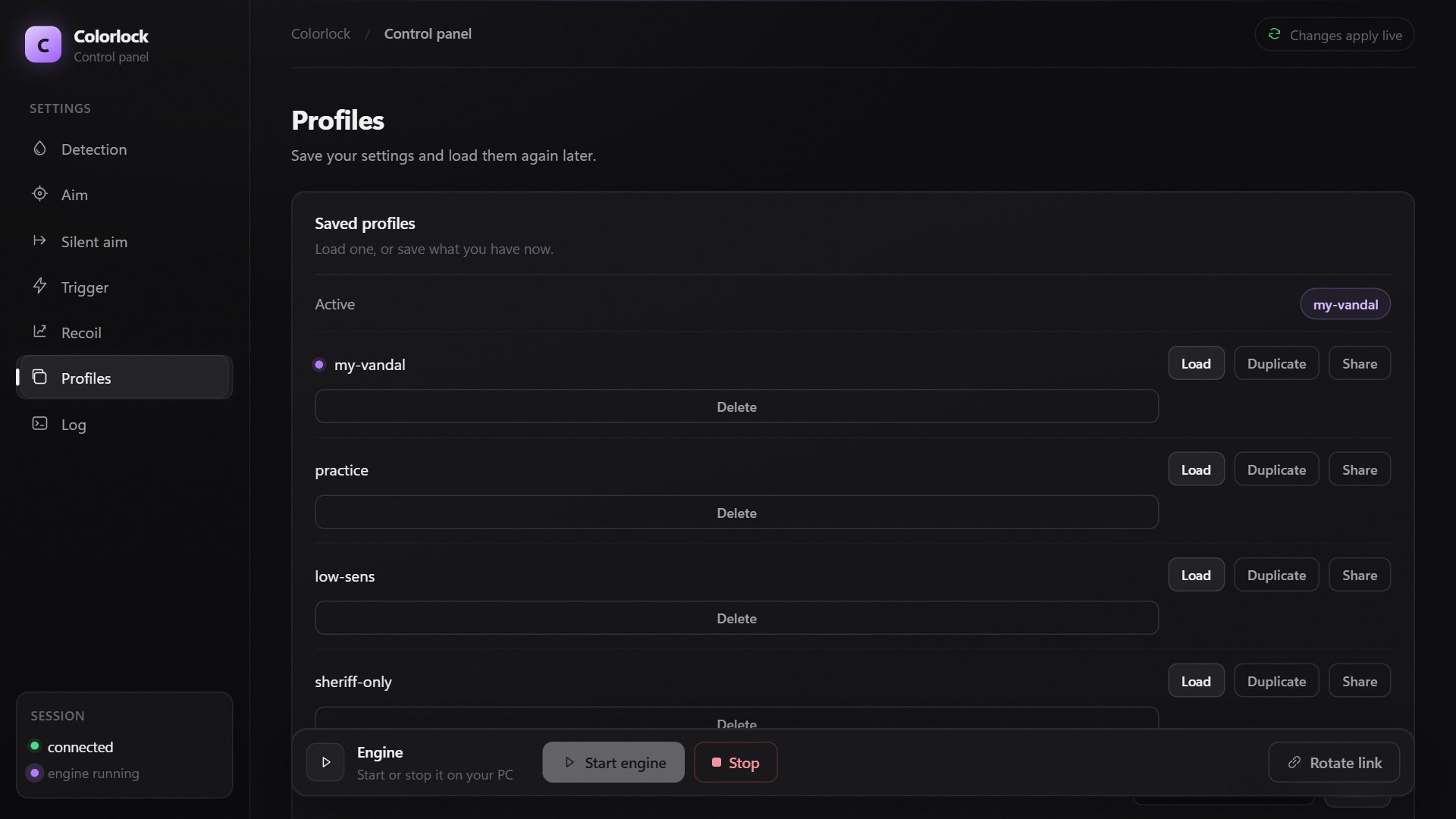
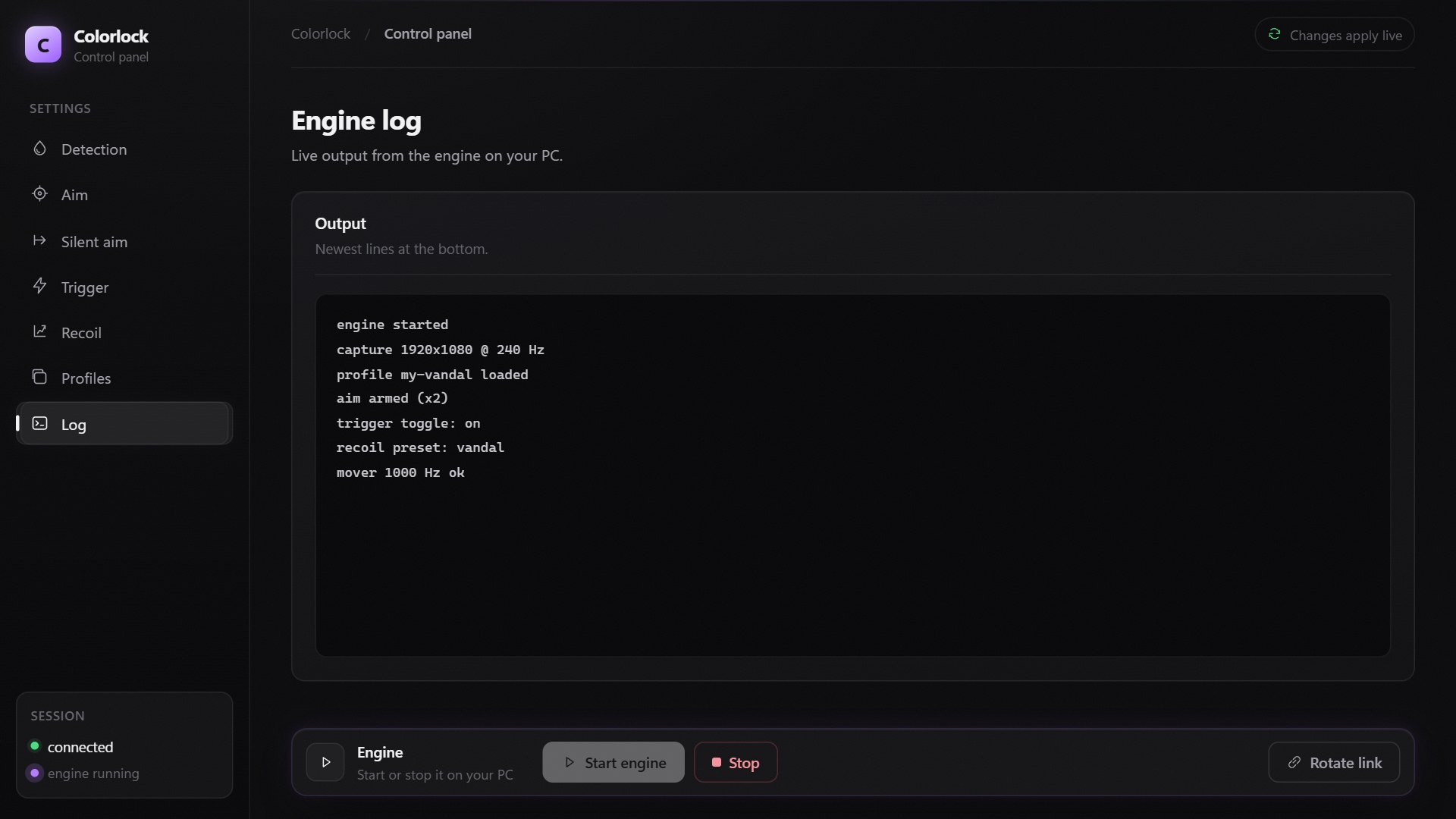
Colorlock runs on your PC; its web panel changes every setting live.
Valorant
One product for now.
C
Colorlock
Aim tools with a loader and a web panel
- Aimbot
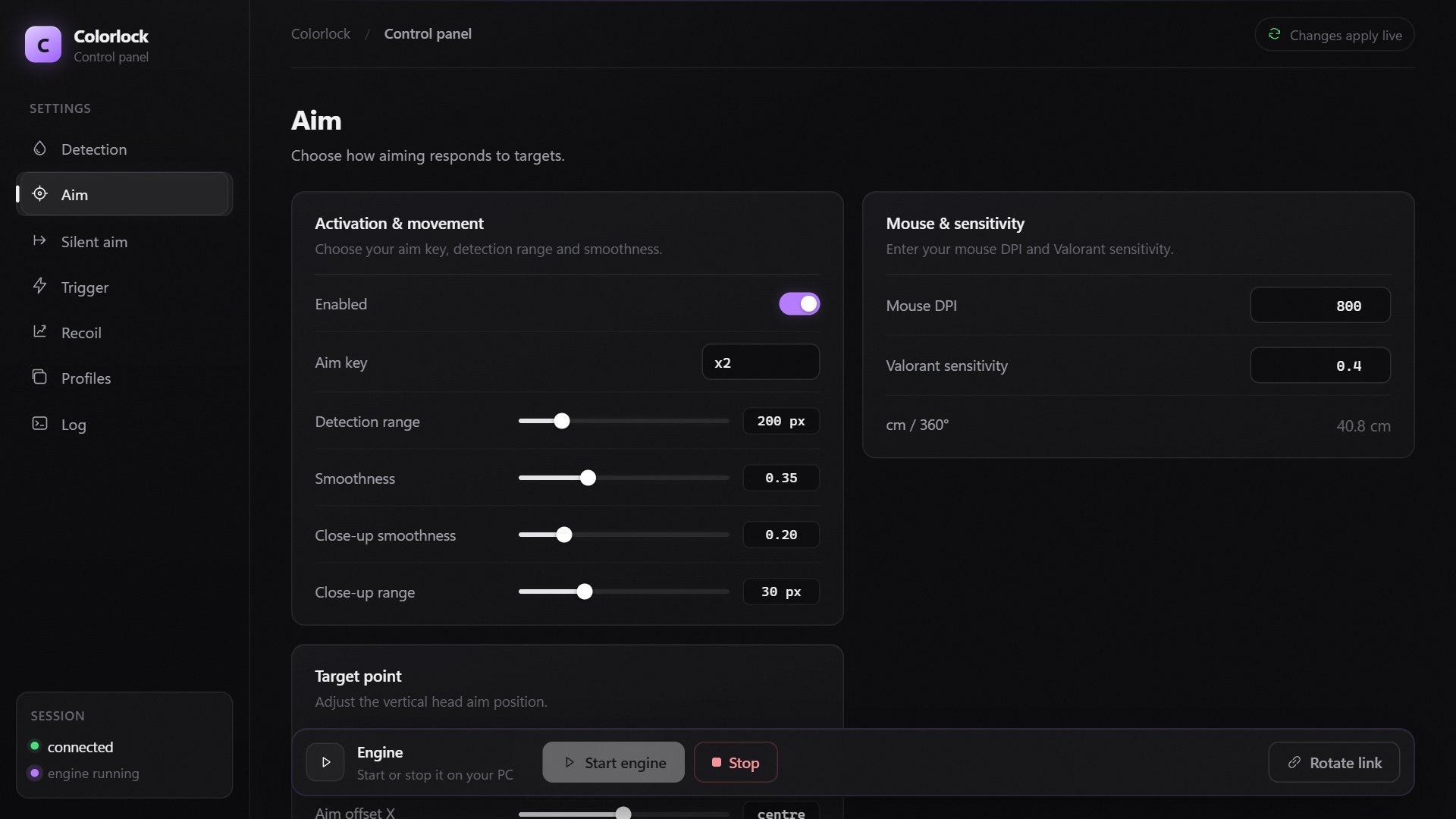
- Key, range, smoothness, head offset.
- Silent aim
- Silently shoots anyone in your FOV.
- Triggerbot
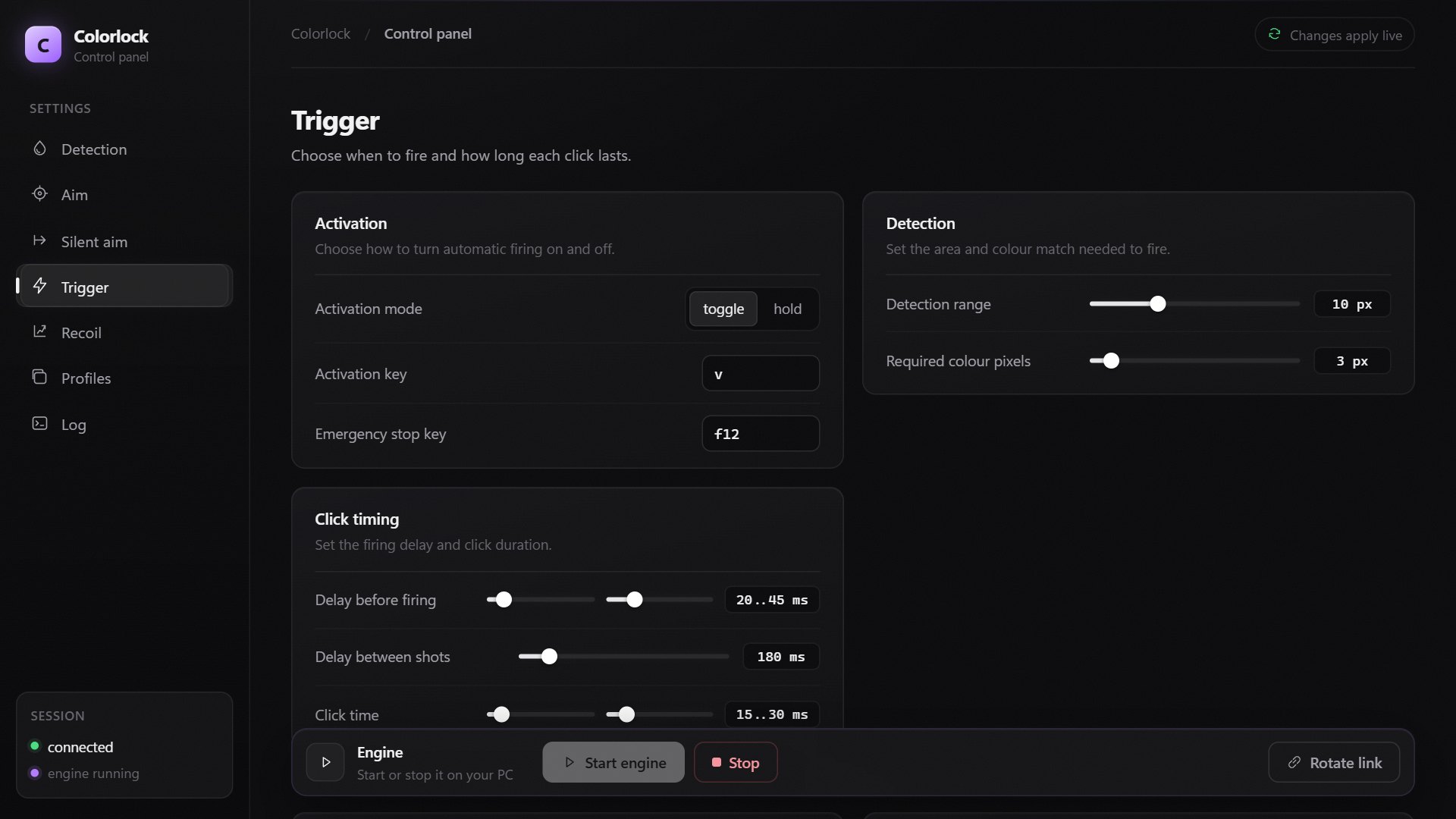
- Toggle or hold, with timing.
- Recoil control
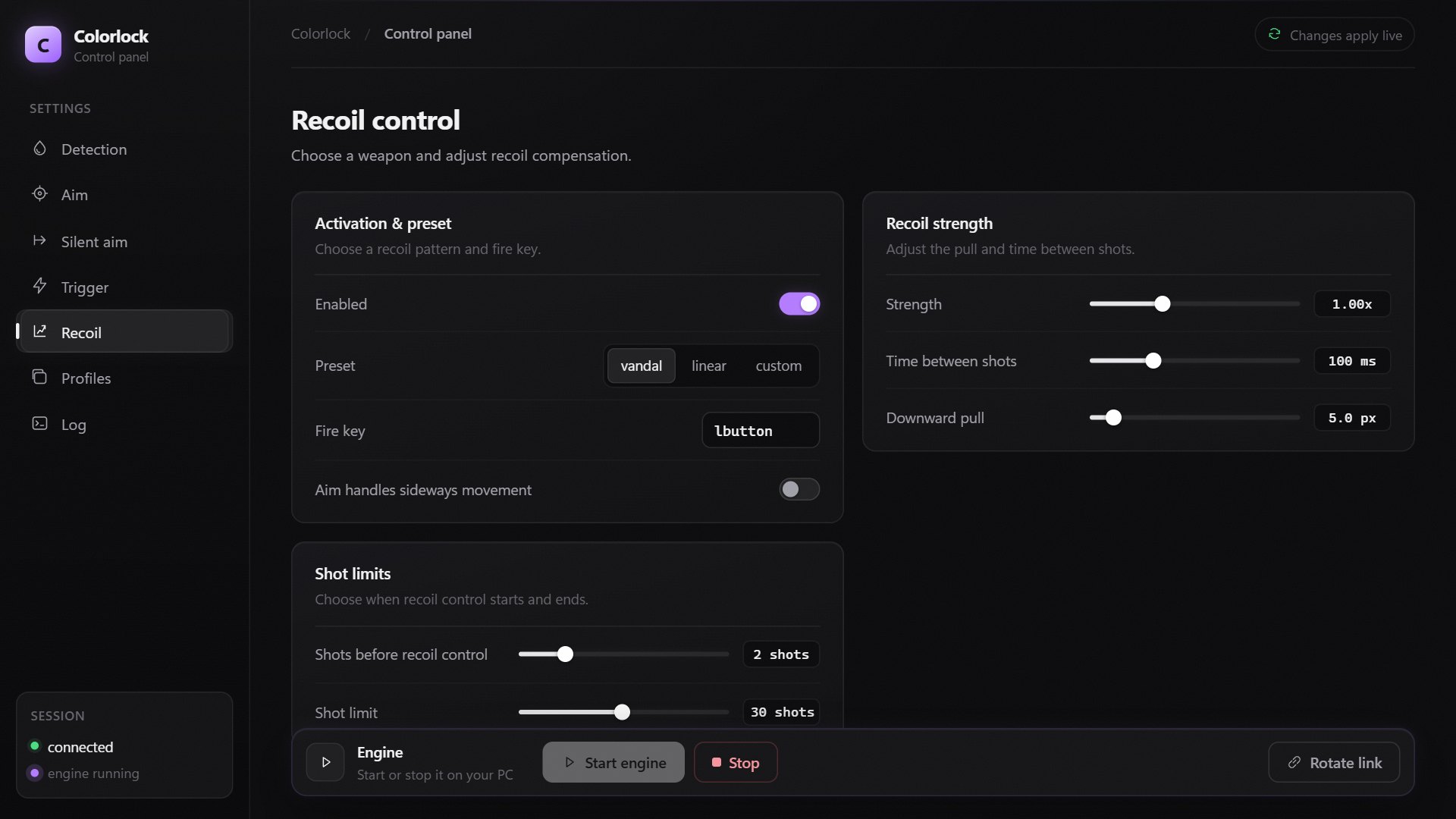
- Vandal preset or your own pull.
- Detection
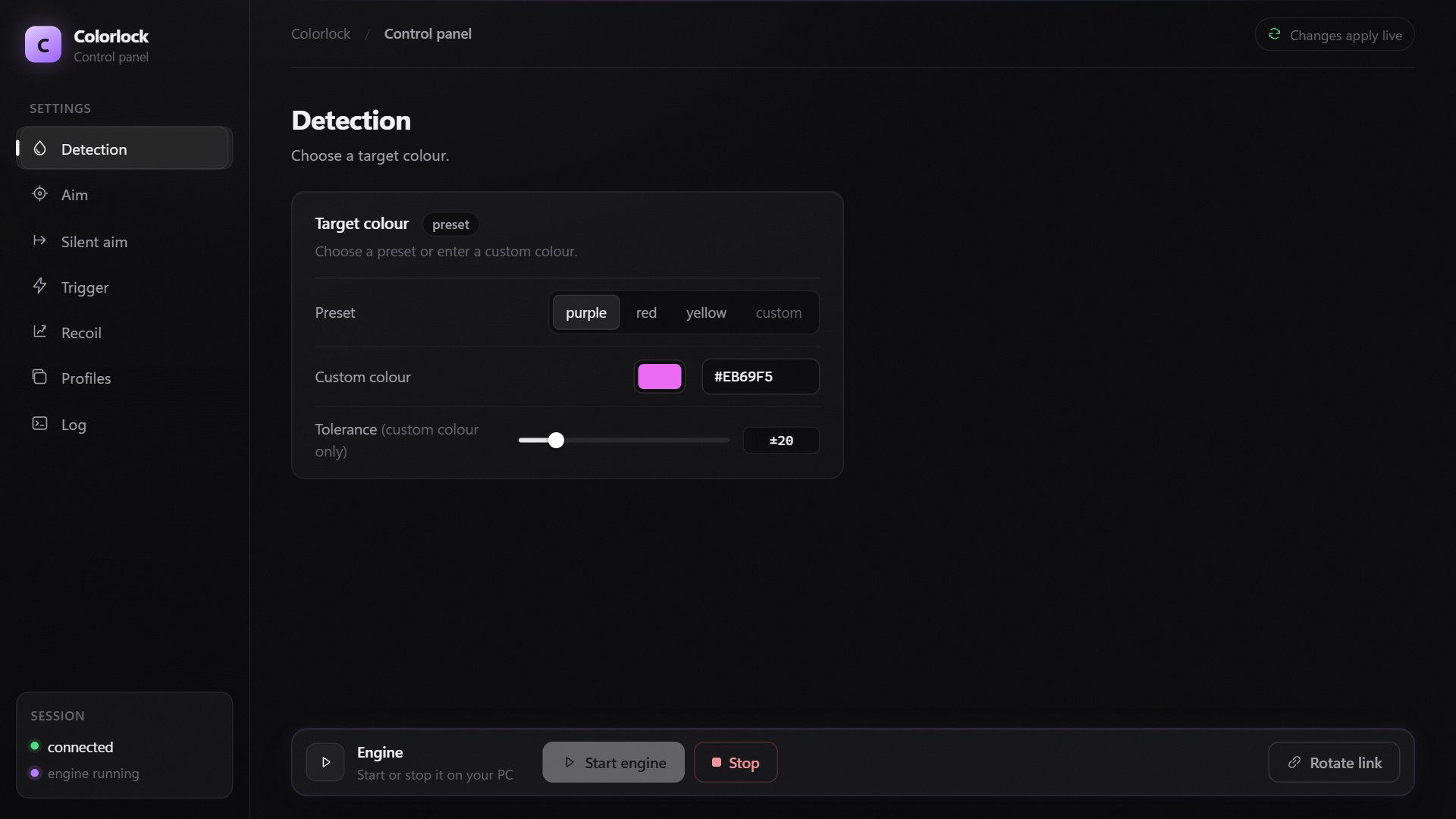
- Purple, red, yellow or custom.
- Profiles
- Save, load, share by code.
Paste your key, press Load.
The loader checks your access, downloads Colorlock and starts it. Your PC remembers the key until you sign out.
FAQ
How do I get a key?
We send keys on Discord. Paste yours into the loader.
How many PCs does one key cover?
One. That PC remembers it until you sign out.
Which colours can it track?
Purple, red, yellow, or a custom colour.
Can Riot ban my account for using it?
Yes. Aim tools break Valorant’s terms of service. Use Colorlock at your own risk.